
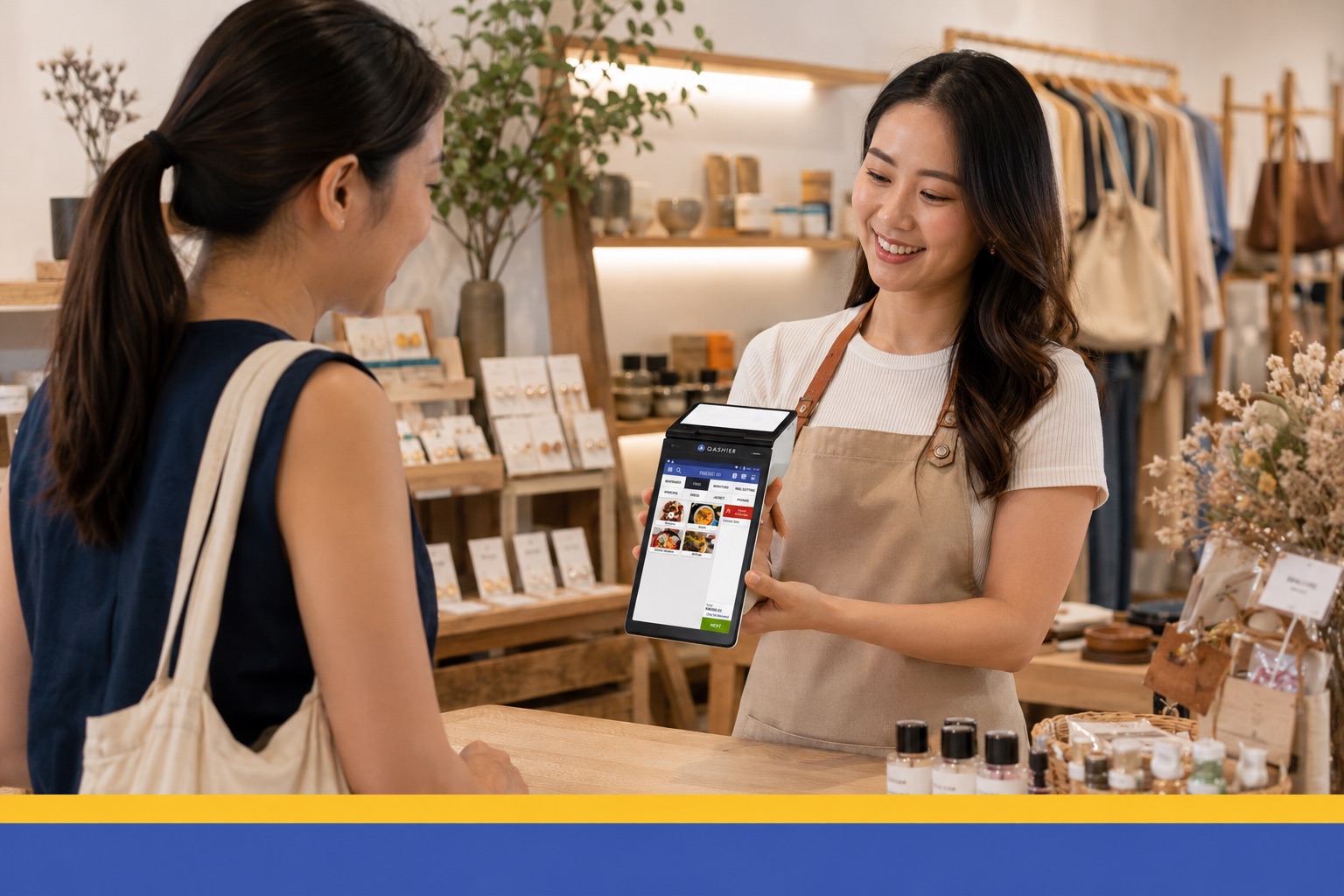
A customer buying a shirt asks if you have another size. You say you'll check, and checking means walking to the stockroom, opening an Excel file on your laptop, and messaging your other outlet to ask if they have it. That's 10 minutes on a question that should take 4 seconds. The customer waits 2 minutes, then walks out.
That isn't just a stock problem. It's a systems problem. Your business runs on 4 tools bought from different companies, at different times, for different reasons: the POS at the counter, a payment system, an Excel file for stock, and another system for customer data you've collected over the years. Each one works. None of them work together.
Running several systems costs you 3 things.
The first is time, because someone has to move data between systems every day.
The second is sales, because 10 minutes to answer a simple question is long enough to lose a customer.
The third is decisions. When each system's numbers disagree, you stop trusting all of them and start running the shop on gut feeling instead of reliable data.
Below are the 5 places this costs you most, why each one happens, and how to fix it.
The problem isn't how busy the shop is. It's the handovers between systems.
Many people think admin grows because there are more outlets, more staff, more sales. In fact, admin grows with the number of points where systems have to connect, not just with the size of the business.
Every handover is a chore when it crosses different systems and tools: updating the stock file with sales, comparing sales data with your income records, copying customers into an email list. Each one adds work to do and maintain. That's why every new system you buy never makes the work finish any faster.
The same moment, on one system
A customer buying a shirt asks if you have another size. You check the POS in front of you, see 2 at this outlet and 1 at the other, and answer in 4 seconds. The customer buys straight away.
The moment the sale is done, stock is deducted. The customer taps their card, the payment goes through and is recorded, and they scan a QR code to sign up and collect points. Now they have a profile in your system, without you asking them for anything.
At closing, your sales report is already done. Stock is up to date. The day's settlement matches your sales, because both come from the same system. No Excel file to update and no portal to check against.
7 days later, Qashier Automated Marketing sends a reminder about the customer's unused points, and they come back to the shop. You didn't have to do a single step yourself.
Order from stock levels that are actually current
You place Monday's order based on Friday's count. In between there were 3 days of sales. So you over-order and tie up cash in stock that won't sell, or under-order and run out on your busiest afternoon.
The cause: your sales system and stock records aren't one set of data. Every sale changes your stock, but only one system knows about it, so someone has to move the data across. That someone is usually you, at night, when you're tired.
Qashier POS deducts stock the moment each sale is completed, so stock is always current, not whatever it was the last time someone updated an Excel file. When you reorder, you order from what's really on the shelf. When a customer asks if you have something, the answer is on the screen in front of you.
Know which staff member, which outlet, which hour
Something was off that week, but you can't trace it. A discount that shouldn't have been given, a voided bill that looks strange, or Thursday's takings lower than usual with nobody able to say why. In the end you ask people to remember, which isn't control. It's just a chat.
The cause: shared logins and separate reports. If everyone uses one account, the system records what happened but not who did it. If each outlet reports separately, you can't compare one outlet's Thursday with another's without building your own spreadsheet.
Every staff member has their own login in Qashier POS, so every discount, void and refund carries a name and time. QashierHQ shows every outlet on one page, by product, by hour and by staff member. Accountability no longer depends on memory. It's on record, which is good for everyone, including the staff who did nothing wrong.
Send promotions to the people who should get them
You run a promotion and send it to everyone on a list you put together yourself. The same message reaches people who came in yesterday and people who haven't been in a year. Customers who'd come anyway get a discount they didn't need, and the ones you really want back never see it.
The cause: customer data was never linked to sales data. A list of names and emails tells you who customers are, but not what they bought, when they last came, or whether they're drifting away.
Qashier Treats makes capturing customer data easy. Then Qashier Automated Marketing sends messages based on what customers do, not on a calendar.
- A welcome email reaches new customers while their first visit is still fresh.
- A come-back message goes only to customers who haven't returned within the time you set.
- A birthday offer arrives before the customer's birthday, tailored to them.
- A points reminder nudges customers with unused points to come back and use them.
- Big spenders get perks that reflect how much they spend with you.
So discounts go to the people who need a reason to come back, not the ones who'd walk in anyway.
See your other outlet without driving there
You know how the outlet you're standing in is doing. The other one, you find out at the end of the week, or when someone calls. So you drive over, phone round, or wait. By the time you know there's a problem, it's three days bigger.
The cause: reports live on the device at the counter, not in the cloud. Each outlet keeps its own numbers, and the only way to combine them is to ask each outlet and add it up yourself.
QashierHQ brings sales, stock, staff performance and customer data from every outlet into one dashboard, on your phone. You see which outlet is running low while another has too much, and move stock between them instead of ordering more. Being on site is no longer the only way to know what's happening.
Everything is connected, and that's the point
Dropping 4 tools doesn't just cut 4 bills. It removes every handover between systems, and those handovers are the real work eating your time.
One login, one view, one platform.
FAQ
Why do small businesses end up on so many systems? Most businesses buy tools one at a time as problems come up. They end up with a POS, a payment provider, a stock file and a customer list, all from different companies. Each solves its own problem but doesn't share data, so someone has to move data between them every day. Admin grows with the number of connections between systems, not with the size of the business.
How much time do separate systems cost? Shops using 4 separate tools typically lose 3–5 hours a week moving numbers between them, not counting sales lost while checking stock or looking up customers. The bigger cost is decision quality: when stock and sales don't match, you stop trusting the numbers. One platform removes the data-moving altogether, not just speeds it up.
Can one system handle POS, payments, stock and loyalty? Yes. Qashier brings in-store sales, payments, stock, membership, automated marketing and reports into one platform with one login. Because the sale, the payment and the customer data are recorded as one event, there's nothing to sync between tools and nothing to reconcile at closing.
Which payment methods does Qashier POS accept? Cash, QR scan, PromptPay/Dynamic QR, credit/debit cards* and payment links (Qashier Pay-By-Link). (*With supported devices.)
Do the shop or customers need to download an app to sign up? No. Qashier works in a web browser, and customers don't install anything to become Qashier Treats members, because they sign up as they pay.
How can I see sales at every outlet without being there? QashierHQ shows sales, stock, staff performance and customer data for every outlet on one dashboard, on your phone. Compare outlets by product, hour or staff member, and move stock between outlets without being on site.
What happens to my existing data if I switch? Your product list, staff accounts and customer data can be moved over during set-up, so you don't rebuild everything from a blank screen. Most shops are set up and selling within a day.
Run your shop better with Qashier, starting today
If you'd like Qashier to help run your business, get in touch. We can help with POS terminals for restaurants and shops, a capable POS system, and support from our team 7 days a week.
Find out more on LINE Official @qashier.th or call 02 544 0267.