
Every order deserves the same attention.
Keep your kitchen organised from the first ticket to the last. Qashier Kitchen Display System helps your team stay focused, coordinated and ready to deliver a consistent dining experience, even during your busiest services.
Get QashierKDS- 2× Laksa
- 1× Chicken rice
- 1× Iced Milo
- 1× Nasi lemak
- 2× Teh peng
- 3× Char kway teow
- 1× Barley
- 1× Hokkien mee
- 2× Kopi O
Great service depends on what guests never see.
Customers remember hot food arriving on time. They do not see the timing, routing and coordination that made it happen. Qashier keeps front-of-house and kitchen teams in sync, so every table gets a smoother dining experience.
Order taken.
Counter, QR, delivery or tableside.
Sent to the right station.
Kitchen, bar, dessert or takeaway.
Served on time.
The guest experience stays consistent.
Every order at your fingertips.
From the counter and bar to table-side, QashierEats QR and food delivery partners, QashierPOS synced with QashierKDS ensures you're always in control and ready to serve!
Every ticket is part of the same experience.
An order does not stop at the POS. It moves through your kitchen, reaches the table and becomes part of how customers remember your restaurant.
Orders arrive clearly.
Kitchen teams see what to prepare next without chasing handwritten notes or checking multiple screens.
Stations stay aligned.
Every station works from the same order information, so kitchen, bar and service move together.
Service keeps its rhythm.
From dine-in to delivery, orders flow into one kitchen view that helps your team stay on pace.
Every service teaches you more.
Completed orders contribute to a clearer view of what sells, what slows down and how your restaurant performs.
Made for kitchens that never stop moving.
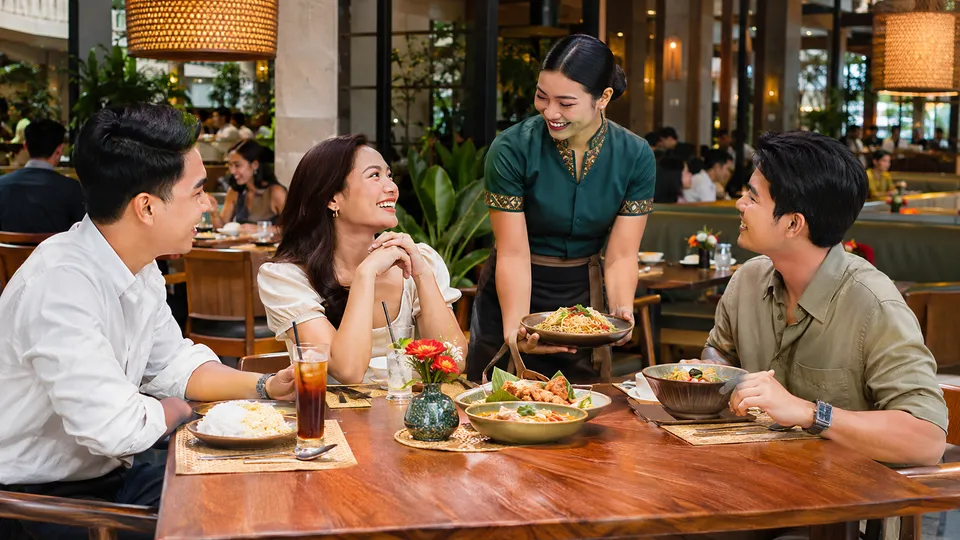 Restaurants
Keep every course on track.
Route orders clearly from the floor to the right kitchen station.
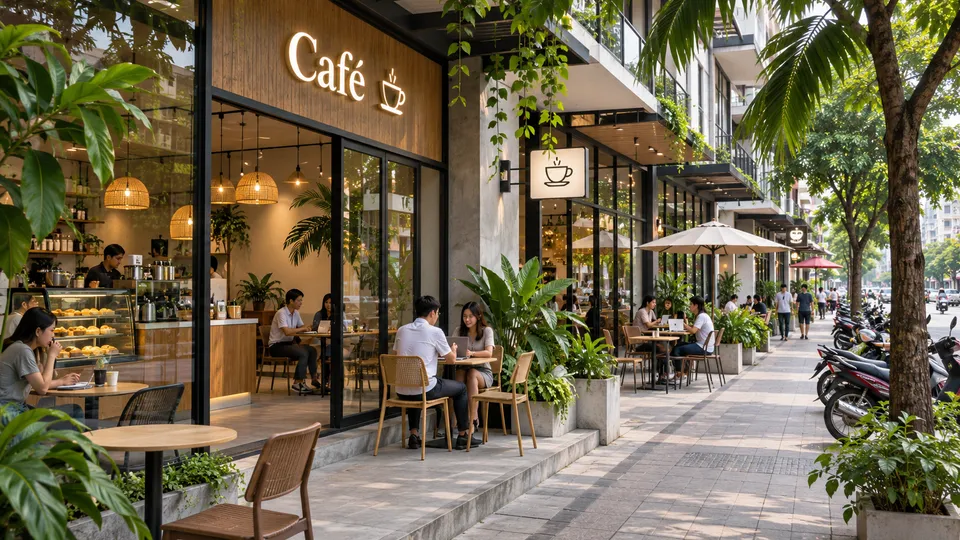 Cafes
Move peak-hour orders faster.
Keep counter, QR and takeaway orders organised during the rush.
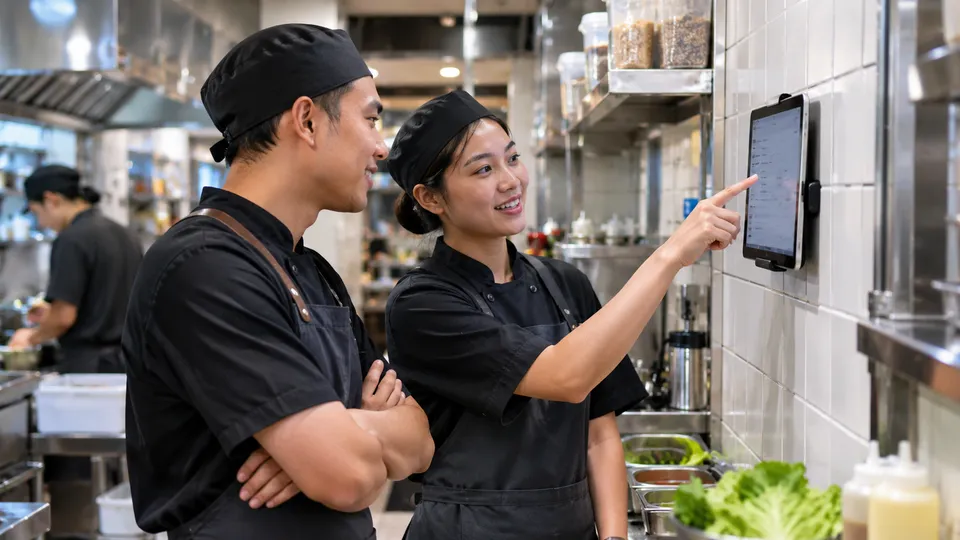 Quick service
Reduce order mix-ups.
Give the kitchen a clear view of every item and modifier.
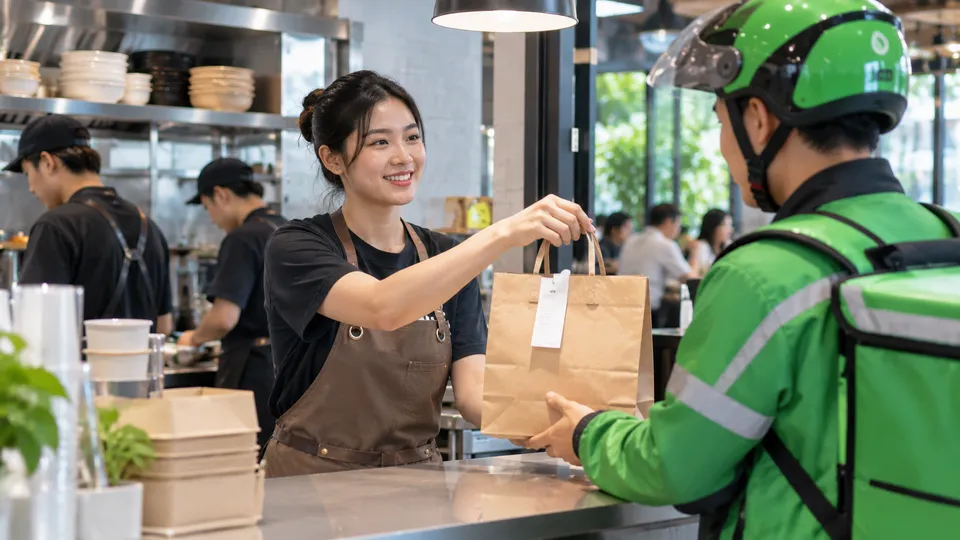 Cloud kitchens
Handle delivery volume.
Keep incoming delivery orders visible, organised and ready to prepare.
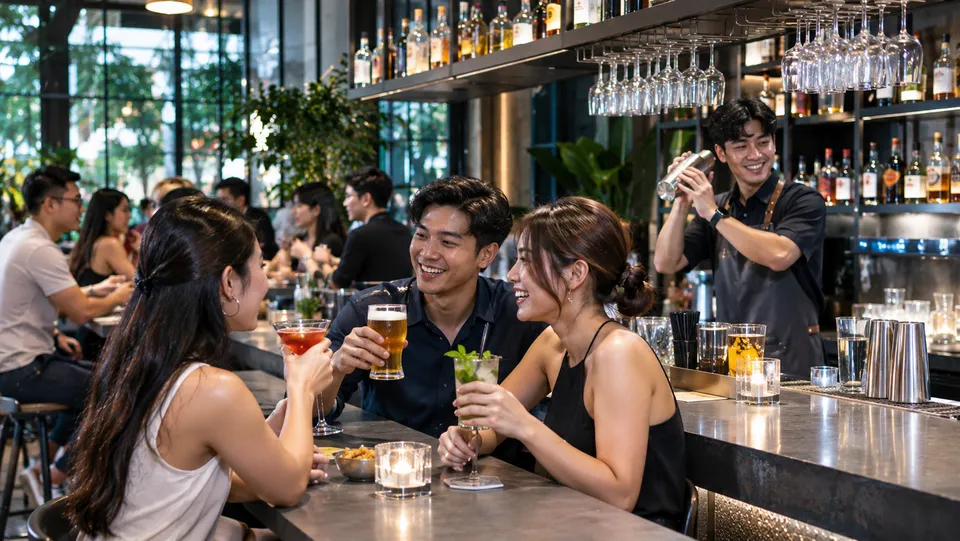 Bars
Keep drinks and food moving.
Send items to the right station without slowing down service.
 Multi-outlet F&B
Run every kitchen with clarity.
Keep operations consistent across locations with connected reporting.
Frequently asked questions
What is Qashier KDS and how does it help restaurant kitchens?
Qashier KDS (Kitchen Display System) replaces printed order chits with a digital kitchen screen that shows incoming orders in real time. It helps kitchen staff prepare food faster, reduce mistakes, and manage high-volume orders more efficiently, ideal for restaurants, cafés, and food kiosks.
How does Qashier KDS connect with my POS system?
Qashier KDS syncs directly with your Qashier SuperTerminal®. Once an order is placed, either by staff or through QR ordering, it instantly appears on your kitchen screen, so there's no need for printing or verbal handovers.
What are the advantages of KDS over printed order tickets?
A digital system like Qashier KDS makes operations smoother. Orders are clearer, special instructions are easy to read, and your team can track order status during peak hours without relying on paper tickets.
Can Qashier KDS handle special instructions or modifications?
Yes. All customisations like "less sugar" or "extra cheese" show clearly on the screen, helping your kitchen team prepare orders accurately.
Is Qashier KDS suitable for smaller F&B setups?
Absolutely. Whether you're running a food stall or a full-service restaurant, Qashier KDS helps your kitchen work faster and with fewer errors.
What devices can I use as a Qashier KDS screen?
You can use any compatible Android tablet as your kitchen display. It's cost-effective, easy to install, and works with any kitchen layout.
Can I use multiple Qashier KDS screens for different prep stations?
Yes. You can assign different screens for hot food, drinks, or dessert sections, so each team gets exactly what they need to prepare.
Great service starts behind the scenes.
Give your kitchen the clarity to prepare every order with confidence and help every guest leave with the experience they will remember.
Book a demo