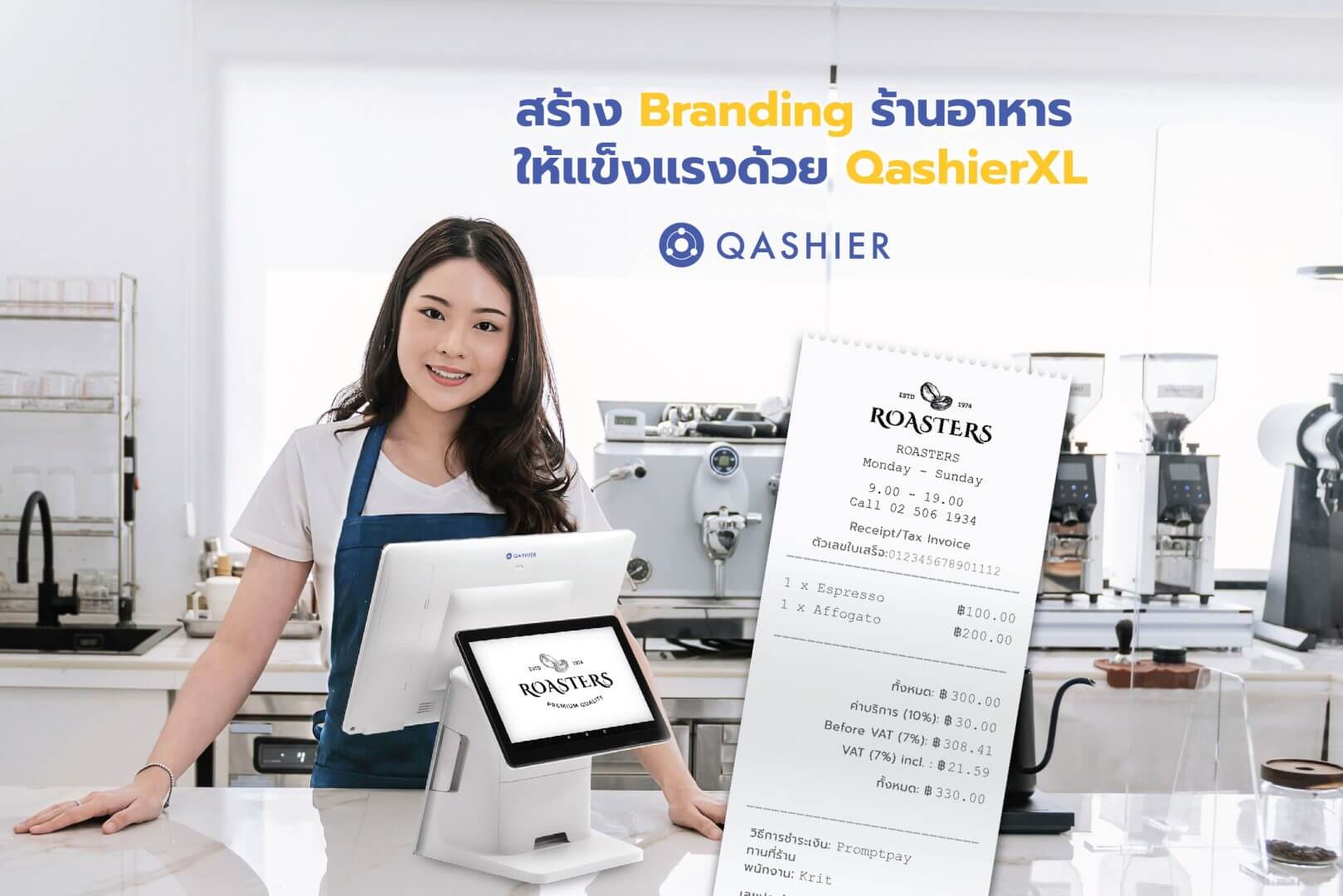
Building a brand for your restaurant matters, because it is what makes customers remember you — and once they remember you, the chance of them coming back goes up with it.
The first pieces of branding your customers see are the name of the restaurant and its logo. Beyond the shopfront and the menu, there are other places you can put both in front of them, and one thing that can help you here is the QashierXL, a POS terminal that is both a till and a way of running the restaurant.
How to build a restaurant brand customers remember coming in and going out, using a POS terminal
What sets the QashierXL apart is its two large screens, one facing you and one facing the customer. If you run a small restaurant or a café, your POS terminal will usually sit on the counter, which is the first place customers come to order and pay.
So if you put a POS terminal with a large screen on that counter, you can show your logo to customers while they are ordering and while they are paying.
And of course, with a device that large and that handsome, when customers photograph themselves in your restaurant your logo stands out in the picture too. When they upload those photographs to social media, more people get to know your restaurant again.
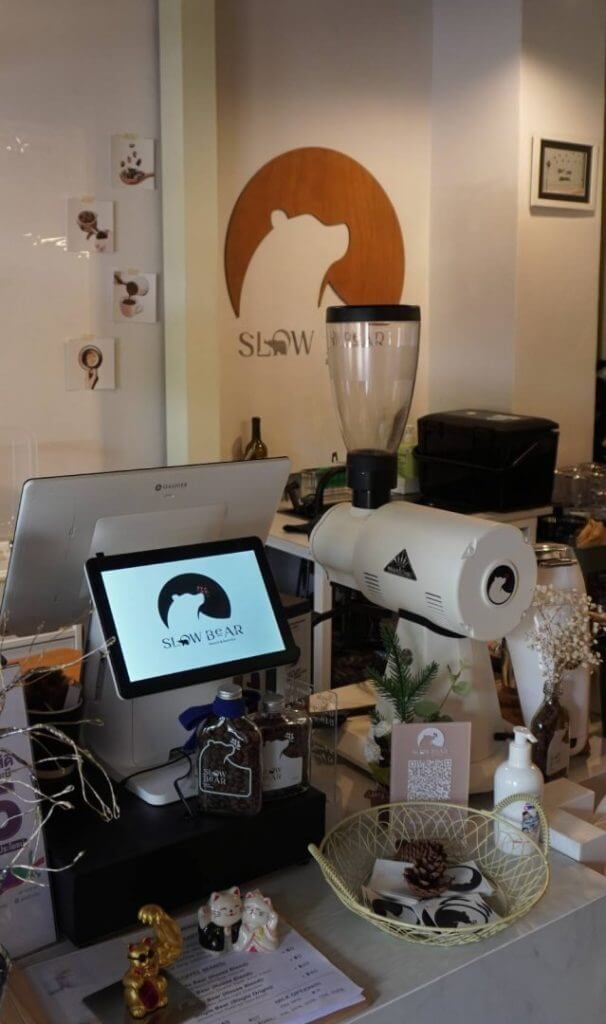
An example from Slowbear BKK, where customers can see the logo from the moment they walk in.
Use your receipts as another tool
Or, if you use a Qashier POS terminal — a QashierXS, QashierX1 or QashierXL — you can make your restaurant's branding clearer still, because Qashier's system lets you put your logo on the receipt. As well as making the receipt distinctive and different, it means that when a customer picks that receipt up again, your restaurant comes to mind. It is more convenient too, with a printer built into the device, so you can sell, take payment and print the receipt all on one machine.
At the foot of the receipt you can also set a QR code pointing to your restaurant's social media, which builds your following and your brand another way. Some places choose instead to use the QR code for a short survey measuring satisfaction, which shows customers you care and gives you information you can use to run the restaurant better.
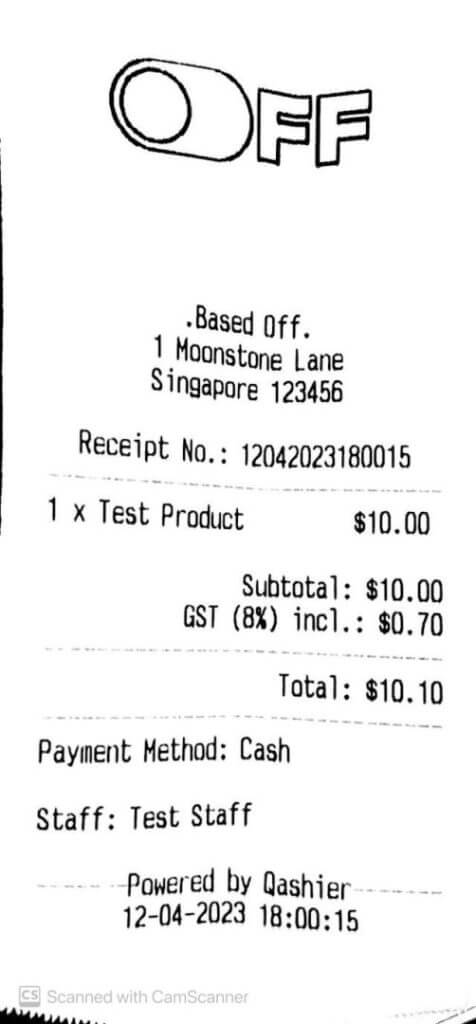
An example of a receipt with your logo on it.
How to put your logo on the Qashier POS screen and on your receipts
Getting your logo onto the Qashier POS screen and onto your receipts is straightforward.
- Log in to QashierHQ
- Select the gear icon at the top right of the screen
- Select the CHANGE LOGO tab
- Then follow these steps
- Select MAIN LOGO to upload the logo that will appear on the Qashier POS screen
or
Select PRINTER LOGO to upload the logo that appears on your receipts (it will print in black and white) - Drag the logo in, or click the + icon to upload it (a MAIN LOGO must be resized to 480*320 px)
- Press UPLOAD IMAGE
- Select MAIN LOGO to upload the logo that will appear on the Qashier POS screen
Once the image is uploaded to QashierHQ, go to your Qashier POS terminal and refresh it by returning to the home screen of the POS terminal. The logo will then appear on the front screen of the POS.
And there you have it — a stronger brand for your restaurant than you had before.
If you would like Qashier to be your retail business's partner, get in touch and we will happily tell you more. Qashier is ready to support shops and restaurants alike, with POS terminals and a POS system that genuinely performs, and support from our team seven days a week.
For more details, contact us on LINE Official: @qashier.th or call 02 544 0267