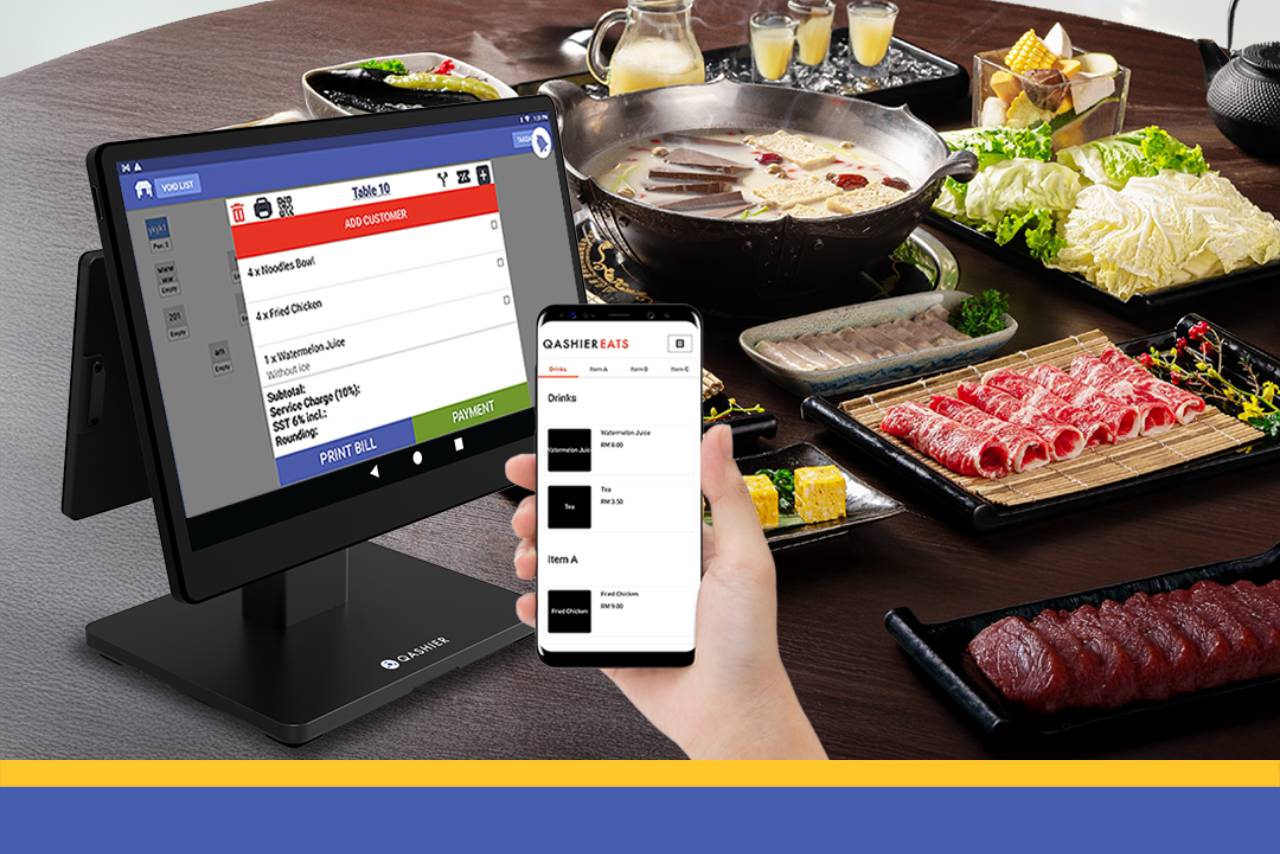
If you run a buffet restaurant — shabu, mookata, grilled meats, Japanese, cake and dessert buffets and everything in between — and you are looking for a good system to run the shop with, one that also lets guests order from the buffet menu by QR, read on.
We would like to introduce Qashier POS, which now comes with a new feature that makes QR ordering easier to manage and helps you serve guests better: “Menu Tier”, built with buffet restaurants very much in mind.
1. Create a separate “buffet” menu, apart from the regular menu, on the QR ordering page
If your restaurant sells both à la carte dishes and a buffet, you can split the menu into several tiers — a standard menu and a buffet menu, for instance — which makes everything easier to manage.
2. Split the buffet into priced packages and set the menu for each one yourself
If your buffet comes in several tiers, this feature lets you build packages at different prices and pick a different set of dishes for each one, easily — more choice for your guests.
3. Guests order straight from their phone through QR ordering, with no time lost taking orders
You can print a QR code for guests to scan and order from their own phone, and of course the QR menu can be split by price package. It saves your staff time and makes the whole restaurant run more efficiently.
4. Send the order straight to the kitchen with KDS
Once a guest orders by QR, the order can go straight to the kitchen on a KDS screen mounted there. The screen shows what each table has ordered along with its status, which prevents orders going missing and cuts down on the wrong dish reaching the wrong table.
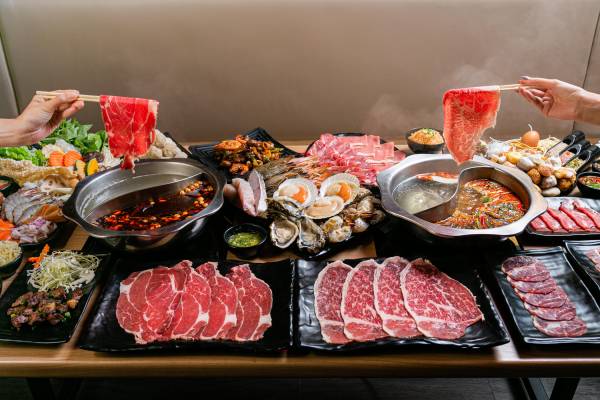
5. Time each table automatically, so everyone knows how long is left
You can set a countdown to start as soon as a table orders, with the length of time up to you, and guests can see the time remaining on the ordering screen.
Your team can also see which tables are running out of time from the Qashier POS screen, which makes it far easier to pace the floor and keep service running smoothly.
6. A guest wants something that costs extra? No problem
If a guest wants to order something outside the buffet menu, they can, and it causes no trouble at the till. There is no confusion for the guest either, because you can list chargeable items separately, and anything charged on top appears clearly on the receipt.
7. Automatic stock deduction
Link menu items to your inventory and stock is deducted automatically, so you can be confident nothing runs short, with fewer mistakes than counting stock by hand.
That is all it takes for your buffet restaurant to run smoothly. Qashier POS also has other features that help you take payment, from Dynamic QR scan-to-pay to receipts and splitting the bill.

Start raising your game with Qashier today
If you would like Qashier to be the partner behind your restaurant, get in touch and we will be glad to tell you more. We are ready to support you, whether with the terminals themselves, POS systems for restaurants or for retail shops, an effective POS system, and support from our team seven days a week.
For more details, contact us on our Line Official account: @qashier.th or call 02 544 0267