The internet plays a hugely important part in running a shop or a restaurant in the digital age. Whether you run a shop, a restaurant, a coffee shop or a service business, the systems inside the outlet all depend on being connected — CCTV, the point-of-sale (POS) system, payments and data management alike.
Choosing the right internet connection keeps the outlet running smoothly, reduces the risk of everything grinding to a halt, and lets you serve customers better.
Why does the internet matter so much to a shop or restaurant?
The internet in a shop is not there merely for general use; it is part of the business systems themselves, including:
- The POS system for issuing bills and recording sales
- Payment acceptance, such as PromptPay QR, e-wallets and EDC terminals
- CCTV and security systems
- Order taking on a tablet or a phone
- Wi-Fi for staff and customers
And what matters is not speed alone — you have to think about the stability and the bandwidth of the connection too.
What is internet bandwidth?
Bandwidth is how much data the connection can send and receive in a given period.
To picture it: if the internet is a road, bandwidth is the number of lanes, and the devices in your outlet are the cars driving on it.
With plenty of cars and a narrow road, you get a traffic jam. It is the same with bandwidth: if there is too little of it and lots of devices are online at once, you get a slow or dropping connection, or devices that simply stop working.
Here is a situation that comes up often
In a coffee shop, customers are on the Wi-Fi watching YouTube. At the same time the CCTV is recording and uploading video to a server, and the staff are using the connection for other things, such as playing music in the shop.
When a member of staff then goes to use the POS and the bandwidth is full, the POS cannot reach the server or the printer — so issuing the bill is slow, the connection drops, or the bill cannot be closed at all.

The equipment you use also affects how well the connection performs
Even with a high-speed connection, unsuitable network equipment can stop you getting the full benefit of it.
The equipment worth thinking about includes:
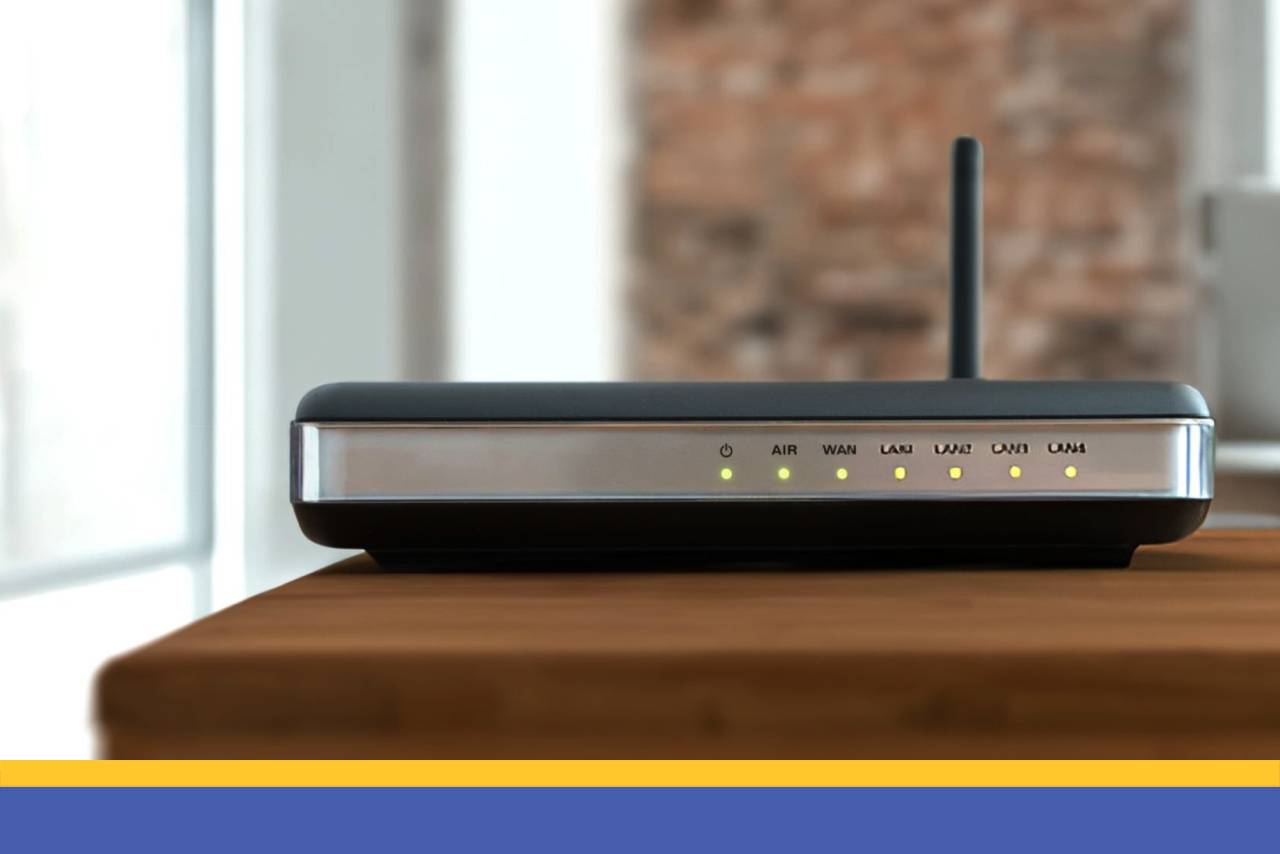
1. A router built for business use – it can hold connections at several points, does not overheat easily, and performs well (suited to staff and shop use)
2. Access points to spread the signal around the shop – to cut down on dead spots (suited to customer use)
Using equipment that was not designed for a shop can leave you with a slow connection, a system that hangs, or a connection that drops — all of which hit your sales directly.
Separating the networks in your shop is another way to keep every device working well
To make the connection more stable, a shop should split its internet use into separate networks, such as:
- A network for the POS system
- A network for the CCTV
- A network for staff
- A network for customers
and so on
Having a backup connection ready
Most POS systems work online, so if the connection fails the outlet may not be able to issue bills or take payment at all.
There are several approaches we would suggest, such as:
- Have a backup connection ready — a 4G or 5G SIM in a device that supports one (CCTV, or a POS terminal that takes a SIM)
- Use separate routers for each type of device, or keep the shop's network and the customer network clearly apart
A backup connection reduces the risk of the business grinding to a halt.
The right connection is the foundation of running a shop or a restaurant
When choosing the internet connection for a shop or restaurant, think about:
- The size and type of the outlet (small or large, and whether there are many customers)
- The number of devices in use (which of them need a connection to do their job)
- How those devices work (do they need high speed, or a lot of bandwidth?)
And choose a connection with a high upload speed, so nothing stutters.
When you buy new equipment for the shop, always talk to a technician first
To keep your business running smoothly, when you want to connect a new device to the shop's network, remember to ask and to give them the following details:
- The equipment in the outlet and how many of each (POS terminals, CCTV cameras, EDC terminals)
- The size of the shop
- Where the equipment sits (whereabouts in the shop, and how far from the router)
- The speed and the internet package you are on
Setting the network up properly from the start keeps the outlet trading without interruption, reduces the problems that crop up on the floor, and gives customers a better experience over the long term.
As for Qashier POS, for shops of every kind, retail stores and restaurants that have never used one, as well as outlets that would like to: if you want Qashier POS and a printer installed, do ask and give our technicians the details, so the equipment works as well as it possibly can.
Start running your shop better with Qashier today
If you would like Qashier to be the helper your business needs, do get in touch for more information. We are ready to support you with both POS terminals for restaurants and retail, capable POS software, and support from our team 7 days a week.
For more details, contact us on Line Official: @qashier.th or call 02 544 0267