
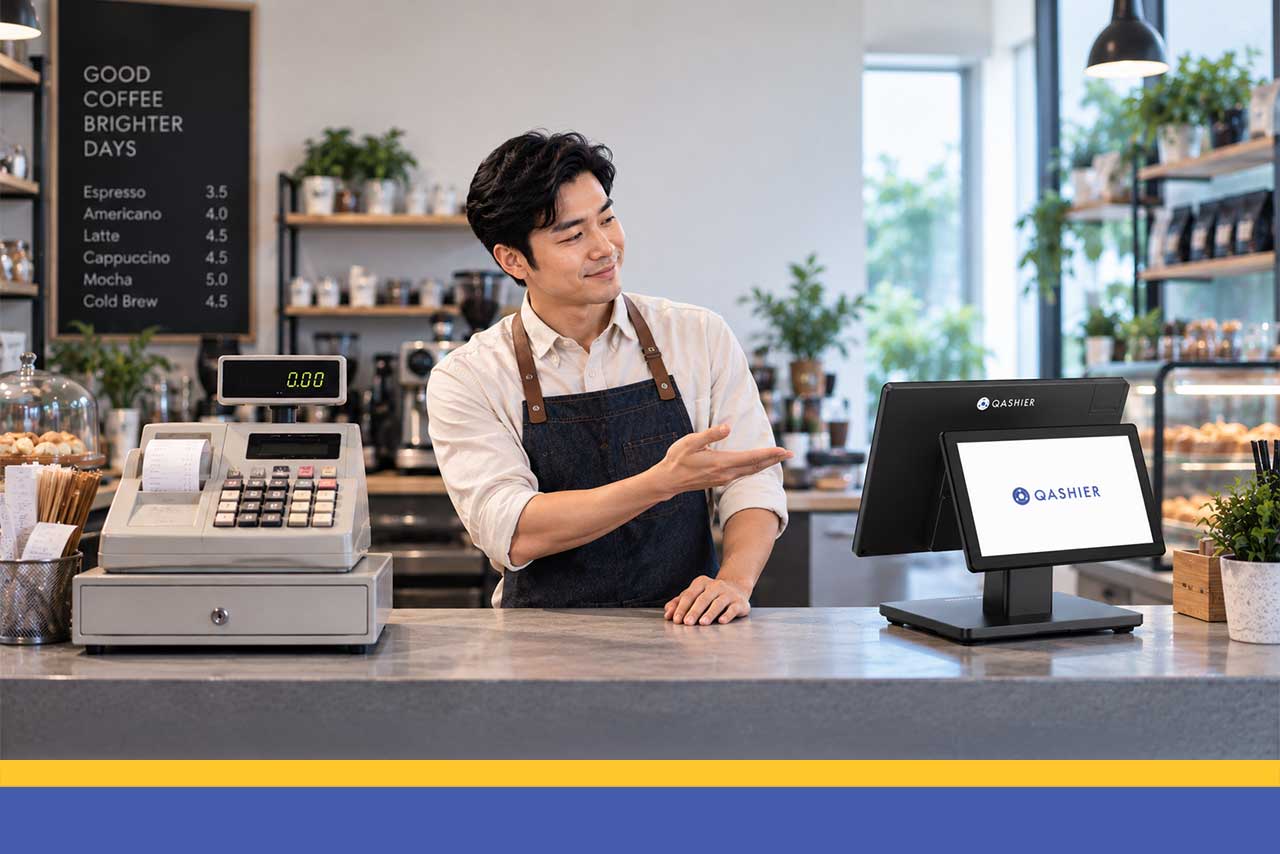
Your register works. It has worked for years. It opens, it adds up, it prints a receipt, and at the end of the day the drawer roughly matches the tape. Nothing about it is broken.
That is exactly what makes this a difficult decision. You are not being asked to replace something that failed. You are being asked to replace something that is doing its job, on the argument that its job is smaller than you think it is.
So the honest question is not which one is better. It is what you get for the difference, whether you would actually use it, and whether the thing you are giving up matters. There are real answers to all three, and for some businesses the answer is that a register is still fine.
Below is a straight comparison, the four differences that actually change how a business runs, the situations where a register genuinely wins, and a two-minute rule for deciding.
A Cash Register Records Money. A POS Records Your Business.
A register answers one question: how much came in. It is very good at that question and it answers nothing else, because nothing else was ever put into it.
A cloud point-of-sale answers the same question and keeps going. What sold, at what time, by which staff member, to which customer, leaving what on the shelf. Same transaction, same few seconds at the counter, an entirely different amount of information retained afterward. That is the whole difference in one sentence, and everything below is a consequence of it.
What the Same Sale Produces on Each
On a register, a customer buys two items, pays, and leaves with a receipt. The drawer is heavier. Nothing else in your business has changed or been recorded.
On QashierPOS, the same sale records both items, the price, the time and the staff member. Stock deducts as it completes. Her receipt carries a QR code, she scans it and signs up for Qashier Treats with her mobile number, so from that point on her purchases carry a person.
Ten days later Qashier Automated Marketing reaches her because her last visit date sits against her profile. She returns, and that visit joins the same record.
By the end of the month you can see what sold, when, to whom and what it left behind, without anyone counting anything. None of that required a single manual action from you.
Side by Side
What you are comparing | Cash register | Cloud POS |
|---|---|---|
What it records per sale | A total | Items, price, time, staff member and customer |
Stock | Not tracked | Deducts automatically as each sale completes |
Customer data | None | A profile with purchase history, built from the receipt sign-up |
Reporting | A total at close of day | Live, by product, hour, staff member and branch |
Staff accountability | A shared drawer | Individual logins with every discount, void and return named |
Price changes | Entered on each machine separately | Changed once and applied everywhere |
More than one branch | Separate machines, separate totals | One dashboard covering every branch |
Online and message orders | Counted separately by hand | Rung up into the same stock count and the same report |
If the device fails | The record on it is usually gone | Your history is held in the cloud, not in the device |
If the internet drops | Keeps working, but still records only a total | Keeps taking sales offline and syncs to the cloud when the connection returns |
Setup | Plug it in | Catalog and staff configured during onboarding |
Receipting and reporting requirements | Ask your provider what it supports | Ask your provider what it supports |
The First Difference: You Find Out What Actually Sold
A register gives you a number at close. It cannot tell you which of your forty items produced it, so every decision about what to order, promote or drop is made on memory and impression.
Item-level records change that immediately. You can see which products are growing, which are quietly declining, which sell in the morning and which after four, and what tends to be bought together. Most merchants find at least one genuine surprise in their first month, usually a product they assumed was carrying the business and one they had nearly dropped.
This is also the difference that compounds. A year of item-level history lets you order against what happened last Christmas season rather than what you remember about it, and that history only exists if you started recording it.
The Second Difference: Your Stock Count Stops Being a Guess
With a register, stock is a separate job. Someone counts, someone writes it down, and the number is accurate for as long as it takes the next customer to buy something.
When each sale deducts from inventory as it completes, your count is current all day. You stop discovering shortages at the point of reorder, staff can answer whether you have something without walking to the back, and the cash you have tied up in stock becomes visible rather than assumed.
For a business carrying perishables or seasonal lines, this single change is usually worth more than everything else on the list combined.
The Third Difference: You Find Out Who Your Customers Are
This is the one that has no equivalent on a register at all. Every sale on a register is anonymous, permanently. You may recognize a face, but your business has no record of it, so you cannot say how many of last month's customers had been in before, which products create regulars, or which of your best customers has quietly stopped coming.
Qashier Treats builds that record from the QR code printed on the receipt. The customer scans it and registers with her mobile number in under a minute, away from your counter, and every visit after that is tracked automatically at the point of sale. The database grows on its own and belongs to your business.
Once it exists, Qashier Automated Marketing can act on it: a welcome message to a first-timer, a nudge to someone who has not returned, a perk for the people who spend most with you. None of that is possible on a system that only remembers amounts.
The Fourth Difference: Accountability Without Conversations
A shared drawer means that when something looks wrong, you are asking people to remember a busy Thursday. That is uncomfortable for everyone, including the staff who did nothing.
Individual logins record every discount, void and return with a name and a timestamp. The point is not surveillance. It is that a question takes two minutes to answer instead of becoming a conversation, and the person who did nothing wrong is no longer part of it.
The Three Reasons People Keep a Cash Register, and Whether They Hold Up
Merchants give the same three reasons for staying with a register. Each one deserves a straight answer rather than a dismissal, so here they are in order of how often they come up.
It Keeps Working When the Internet Does Not, and So Does Qashier
This used to be the strongest argument against moving, and it is the one reason on this list that no longer applies. QashierPOS has an offline mode that keeps taking sales when your connection drops and syncs everything to the cloud once you are back online, so nothing is lost, including your stock movements and customer records.
It is still worth asking every other cloud provider you are considering, because plenty of them simply stop when the connection does. Against a system with a proper offline mode, this reason does not hold up.
It Is Simpler, but Simple Is Not the Same as Informed
This one is partly fair. A register has nothing to configure and nothing to keep tidy, and that is a genuine advantage on the day you set it up.
What it costs you is everything after that day. The simplicity you are buying is the simplicity of a machine that knows nothing about your business and never will. A tidy product screen is not complicated by comparison, and most teams are comfortable on one within a single shift. So the real choice is not simple against complicated. It is simple against informed, every day, for as long as you trade.
You Pay for It Once, but You Pay for It Every Week
Fair as a preference, and worth being honest about what the one-off price actually buys. A register's cost is visible and its cost of ownership is not.
The hours spent counting stock by hand are a cost. The sales lost while somebody checks whether you have something are a cost. The customers you served and never recorded, and therefore cannot reach, are the largest cost of all. Those are paid every week for the life of the business. They simply never appear on an invoice, which is what makes them easy to mistake for free.
When a Register Is Still Enough for Now
None of this means every business needs to move today. If you take a small number of sales a day, carry a couple of items that rarely change and work alone, a register will hold, and there is no urgency in changing that.
That is a question of scale rather than a verdict on the machine. The moment it stops holding is usually the moment you add a product line, take on someone you will not be standing next to, start selling anywhere else, or decide you want your customers to come back on purpose rather than by chance.
One Thing to Settle Before You Choose Either
Whichever way you go, ask about official receipting and the reporting obligations that apply to your type of business, and get the answer in writing. Ask what documentation the provider supplies, what you are responsible for during registration, and what happens when requirements change.
This is compliance rather than a feature preference, so it belongs at the start of the decision rather than after you have signed something. Put the question to every provider you are considering, including this one.
How to Decide in Two Minutes
Ask yourself three questions honestly.
First, could you name your five slowest-selling products right now, without looking. If not, you are ordering blind, and a register will never fix that.
Second, could you say how many of last month's customers had bought from you before. If not, you have no way to grow anything except through new customers, which is the most expensive kind of growth there is.
Third, are you planning to open anywhere else, sell online, or take on staff you will not be standing next to. If yes, the moment to move is before that happens rather than during it.
Two nos out of three means the register is costing you information rather than saving you money. One or none means you can reasonably wait.
Everything Connects, Which Is the Whole Point
The real difference is not features. It is that a register treats each sale as an event that ends when the drawer closes, and a platform treats it as a record that keeps working afterward.
The sale creates the customer record, so your sales carry people. The sale deducts the stock, so your count is true. The record carries a time and a staff member, so your reporting can show you the shape of your week. The customer profile triggers the marketing, so a first-time buyer becomes a regular without you doing anything. One transaction, five jobs, none of which you had to think about.
That is what you are actually buying. Not a faster register, but a business that remembers what happened to it.
One login. One view. One platform.
Getting Started
QashierPOS, QashierHQ, Qashier Treats, Automated Marketing, Customer Reviews and Spotlight are available to businesses across the Philippines now, on one login. Most merchants are up and selling within a day, with the product catalog set up during onboarding.
Book a free demo and see what your register has not been telling you.
Frequently Asked Questions
What is the difference between a cash register and a POS system?
A cash register records the amount of a sale and nothing else. A cloud point-of-sale records the same transaction along with the items, the price, the time, the staff member and the customer, and it deducts the stock as the sale completes. The difference is not speed at the counter. It is how much of your business is still knowable afterward.
Do I need a POS system for a small store?
Not necessarily. If you take a small number of sales, carry a handful of items that rarely change, work alone and have no plans to build a customer base or open elsewhere, a register is a reasonable answer. You need a POS when you cannot name your slowest sellers, cannot say how many customers are returning, or are about to add a branch, a channel or staff.
Is a cloud POS worth it for a small business?
It depends on whether you would use what it gives you. The three things it provides that a register cannot are item-level sales history, a stock count that maintains itself, and a customer database built from your own transactions. If any of those three would change a decision you make, the answer is usually yes.
What happens to a cloud POS if my internet goes down?
It depends entirely on the system, so ask before you commit rather than assuming. QashierPOS has an offline mode that continues taking sales when the connection drops, then syncs them to the cloud once you are back online, so your sales, stock and customer records stay complete. A register keeps working through an outage too, but it records only a total either way.
What should I ask about receipting and tax requirements?
Ask in writing how the system handles official receipting and the reporting obligations that apply to your type of business, what documentation the provider supplies, what you are responsible for during registration, and what happens when requirements change. Settle this before choosing between a register and a POS, not afterward.
Can a POS system track my stock automatically?
Yes. QashierPOS deducts inventory as each sale completes, so your count is current throughout the day rather than as of the last time someone counted. That changes reordering from a memory exercise into a decision based on what is actually on your shelves.
Do I or my customers need to download an app?
No. Qashier runs in a web browser, so there is nothing to install and nothing tied to a particular device. Your customers do not need an app to join Qashier Treats either, because they scan the QR code on their receipt and sign up with their mobile number.
How long does it take to switch from a cash register to a POS?
Most merchants in the Philippines are selling within a day, because the product catalog and staff accounts are configured during onboarding rather than on the changeover day. Since a register holds no history to migrate, switching from one is simpler than switching between POS systems.