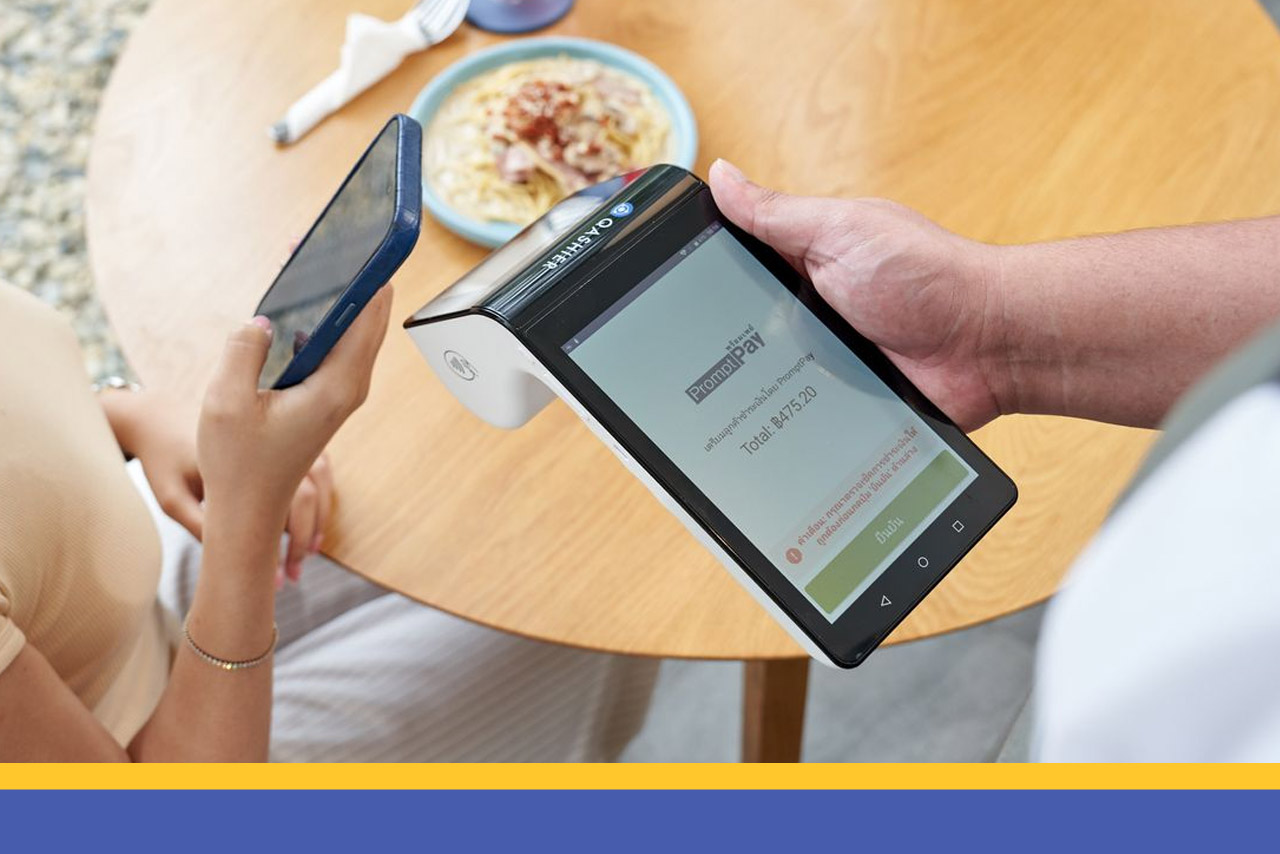
Scan-to-pay has become something no business can do without, whatever kind of shop you run — it is the payment method customers reach for. Normally, though, the customer has to key in the amount themselves and the merchant has to check that the right sum came through, which sometimes means taking payment ends up slower than it should be.
Today you can make taking payment simpler and easier for your business, because Dynamic QR Payment is now available on your Qashier POS.
What is Dynamic QR Payment?
Dynamic QR Payment is a wonderfully neat way to pay: the customer simply scans the payment QR code and confirms, and that is that. They never have to key in the amount, and once the check clears, your Qashier POS confirms the sum received, records the transaction and prints the receipt immediately. It makes paying effortless, and it runs on the stable, dependable infrastructure of LianLian Pay
There are plenty of benefits to Dynamic QR Payment. As well as making payment easy, it helps guard against fraud too.

Start using Dynamic QR Payment and take your payments up a level
How do you start using Dynamic QR Payment?
If you are not using Qashier POS yet
Just tell our team you would like to sign up and they will help you and walk you through the set-up right away.
If you already use Qashier and want to switch it on yourself
You can enable Dynamic QR Payment yourself through QashierHQ.
Step 1: go to QashierHQ > Payment Management
Step 2: under Lianlian QR, choose Apply Now
Step 3: the site takes you to a form where you fill in your application details and submit the documents required. Once that is done, press Submit to send the application.
Step 4: the Qashier team reviews what you have sent and forwards the LianLian Pay QR paperwork for you to sign and return by email so the application can proceed.
Please note: verification takes 3-5 working days, not counting weekends and public holidays.
How will you know your application has been approved?
Once you have submitted your application, you will receive a confirmation email with everything you need — your Merchant ID (MID) and Store ID, for instance, along with the Lianlian Pay user guide and the Lianlian Pay dashboard.
The Qashier team is here to help every customer get Dynamic QR Payment up and running, so your business keeps moving smoothly and keeps moving up.
Start levelling up the way you run your shop with Qashier today
If you would like Qashier to be the assistant your restaurant business needs, get in touch for more information. The Qashier team is ready to support you — with POS hardware for restaurants and retail alike, a POS system that does the heavy lifting, and support from our team seven days a week.
For more details, reach us on Line Official: @qashier.th or call 02 544 0267