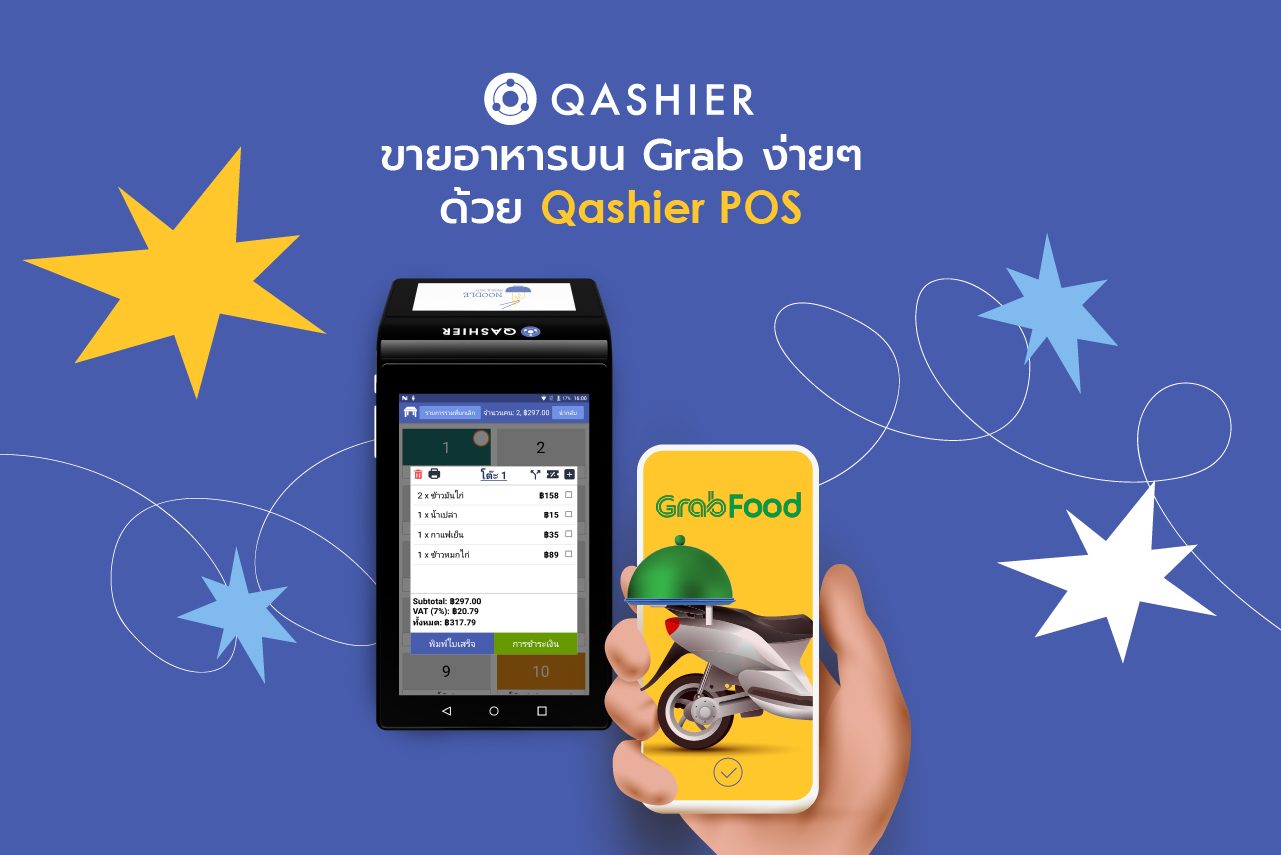
Plenty of restaurants want to sell on Grab, and with good reason: GrabFood is one of the most popular food delivery apps in Thailand, and it has become a service every restaurant needs. As well as making life easier for customers, it lifts a restaurant’s takings and builds a larger customer base.
Selling on GrabFood does mean a restaurant needs yet another device to take orders on, which can make the work rather less than smooth. Connect GrabFood to a Qashier POS terminal, though, and orders arrive seamlessly — and running the restaurant becomes both easier and more efficient.
Qashier POS is a capable, easy-to-use sales and shop-management system that makes selling food and taking orders straightforward. It also comes with the features you need to run the place: setting up promotions, managing ingredient stock and pulling together sales summaries — and connecting to food delivery services such as GrabFood.
Connect GrabFood to Qashier POS and let the two work together properly
Push your Qashier POS menu straight into GrabFood
So you can be confident nothing has been missed off the menu, and save yourself the work.Receive and manage orders on the Qashier terminal itself
No extra equipment needed — you can view and manage the orders customers place right there.Print the order slip from the Qashier terminal and send it to the kitchen
No need to connect a second printer, because Qashier POS has one built in.GrabFood sales are recorded on the Qashier terminal immediately
No more worrying about a missed order, and no confusion when orders have to be totted up.Hide or show menu items in the app, or set the hours they sell
You can hide or show whichever menu items you want to appear on GrabFood.
You can also set selling hours automatically. You might decide that the breakfast menu should only be available Monday to Friday between 8am and 10am, and that is easy enough to set up.
What it looks like in practice when you sell on GrabFood through a Qashier POS terminal
- The customer orders from the GrabFood app
- The order appears in the notifications on the Qashier POS terminal
- The order is printed out with the order number and the rider number
- Prepare the food and wait for the rider to collect it
- Completed orders are recorded in the Qashier system automatically
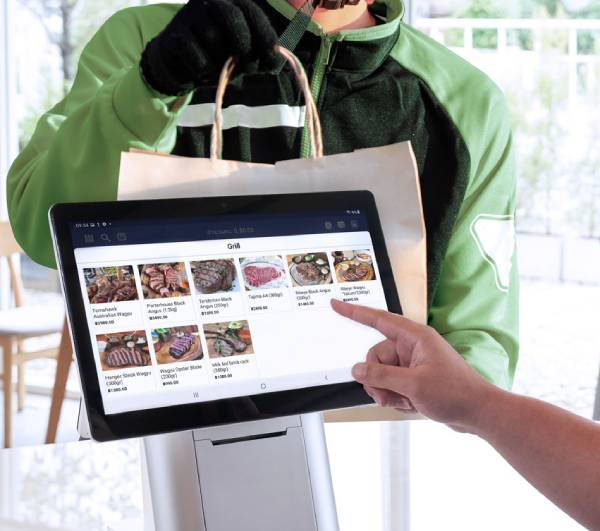
If you would like the add-on that connects GrabFood to Qashier POS, getting started is simple. Contact our specialists to find out more.
If you do not have a POS yet, or you would like to start using restaurant POS software from Qashier, that too is easy to begin — so that running your restaurant goes smoothly and your customers get five-star service.
Note: as well as GrabFood, you can also connect your POS to Foodpanda as well. Ask our team of specialists for more details.
Start running your shop better with Qashier today
If you would like Qashier to be the assistant to your restaurant business, get in touch to find out more. We are ready to support you with both the hardware — POS for restaurants as well as retail shops — and a POS system that performs, backed by support from our team 7 days a week.
For more information, reach us on Line Official: @qashier.th or call 02 544 0267